
What happens to campground bookings if your website is not mobile optimized? The answer is expensive: nearly 70% of travelers abandon sites that don’t deliver a seamless phone experience, according to travel and hospitality industry data. That’s not a rounding error, that’s the majority of your visitors leaving before they ever tap “Book Now.” Many campground owners facing thin reservation numbers assume they have a marketing problem. Often, they don’t.
This article is a revenue audit disguised as a web design conversation. By the end of it, you’ll know exactly where you’re losing bookings, how to put a dollar figure on it, and what to fix first. The campground owners who’ve already worked through this stopped bleeding reservations to competitors and started converting the traffic they already had. That’s the move. It starts with understanding what really happens when someone tries to book your park from their phone.
The mobile traffic reality campground owners keep overlooking
Many campground websites were built with a desktop mindset. The owner sat down at a computer, pulled up the site, and thought it looked great. The problem is that the people actually booking aren’t sitting at a computer. They’re on the road, comparing your campground to the one three exits down, making a decision on a small screen with one thumb and a spotty cellular signal. (For a step-by-step mobile-first checklist, see How Do I Make My RV Park Website Work On Phones?.)
Where campers are actually searching from
Modern campers plan trips the same way they do everything else: on their phones. They search for campgrounds on Google while they’re still driving, check amenities while sitting in lawn chairs at their current site, and make reservation decisions at 9pm from the couch. This isn’t a generational quirk or a future trend, it’s the current standard. Travel and hospitality websites now see more than 70% of their online traffic coming from mobile devices, a figure reported across multiple industry sources including Statista’s travel sector data, and camping is not an exception to that pattern.
What the numbers say about mobile booking behavior in travel
Mobile users expect a frictionless experience. They want to land on your page, check availability, see pricing, and book without pinching, zooming, or waiting. When that experience breaks, they don’t troubleshoot. They close the tab and find a campground whose site actually works on a phone. The mobile experience your site delivers is often the first and only impression a potential guest gets, and when it fails, the damage shows up directly in your reservation numbers.
What happens to campground bookings when your site isn’t mobile-optimized
The damage from a non-responsive campground site isn’t just cosmetic. It’s functional and financial. Visitors don’t need to see a visually broken page to abandon it. They just need one moment of friction at the wrong time.
The abandonment cascade that follows a bad mobile experience
Here’s the sequence: a camper finds your site on Google, taps the link, and lands on a page built for a desktop browser. The text is tiny, the layout requires horizontal scrolling, and the “Reserve Now” button is buried somewhere they can’t find or tap easily. If the page also takes more than three seconds to load, 53% of mobile users won’t wait for it, a figure documented by Google’s research on mobile page speed. They’re gone before they’ve seen a single photo of your park.
That 70% mobile abandonment figure likely includes many visitors who were ready to book. They didn’t change their minds, they booked somewhere else. User behavior research consistently shows that mobile users who abandon booking flows during the selection phase tend to complete a reservation on a competing site rather than return later.
How Google penalizes non-mobile sites before anyone even clicks
Google’s mobile-first indexing, documented in Google Search Central, means the search engine crawls and ranks the mobile version of your site, not the desktop version. If your mobile experience is broken, slow, or missing content that appears on desktop, Google registers that and adjusts your ranking accordingly. For a campground, a non-mobile-friendly site slides down in local search results before a single potential guest ever has the chance to click it. The booking problem isn’t just happening on your site. It’s starting upstream, in the search results themselves.
The technical issues silently draining your reservations
Four specific technical failures account for most of the mobile booking drop-off campground owners experience. None of them require a degree to understand, and knowing what they are makes the fixes straightforward.
Page speed problems and why every second has a price tag
A Google and Deloitte study found that each extra second of load time beyond two seconds can reduce bookings by as much as 20%. On a campground site, the most common culprits are uncompressed photos, heavy plugins, slow-loading third-party scripts, and autoplay video. These are bad enough on a fast home Wi-Fi connection. On a cellular signal in rural Colorado or the Florida panhandle, they’re reservation killers. Mobile bookings are disproportionately made by travelers already on the road, often on the weakest available connections. (See how a 1-second delay costs you a 7% drop in conversions for a practical breakdown of the conversion impact.)
Layout failures, broken widgets, and the JavaScript trap
Beyond speed, three more failure types do serious damage to your mobile conversion rate.
CSS and viewport issues are first. Your desktop layout renders on a phone screen as tiny unreadable text, cut-off forms, and buttons too small to tap with a thumb. JavaScript failures come next, booking calendars that won’t open, form steps that won’t advance, or availability checks that just spin and stall. Third is booking widget incompatibility, where reservation software that works perfectly on desktop breaks on a phone at the exact moment a guest is trying to commit.
The trust damage from a broken checkout extends beyond that single lost booking. UX research on e-commerce and service booking flows consistently shows that checkout failures reduce perceived brand credibility, a guest who can’t complete a reservation is likely to assume the park itself isn’t professionally run.
How to measure the bookings and revenue you’re already losing
Most articles tell you mobile matters and stop there. This section gives you something more useful: a way to see the damage in your own data and put a number on it.
Reading your Google Analytics like a revenue report
Log into your analytics platform and compare three numbers between mobile and desktop users: bounce rate, session duration, and booking-related goal completions or link clicks. A mobile bounce rate that’s 20 to 30 percentage points higher than desktop is a widely used analytics benchmark signaling that mobile users are hitting a wall, validate this against your own conversion data to confirm the pattern. Shorter session duration on mobile means visitors aren’t finding what they need fast enough. A significant gap in booking actions between mobile and desktop tells you exactly where the revenue is disappearing.
A simple formula to put a dollar figure on the problem
Here’s the math. Start with your monthly mobile visitor count. Multiply it by your abandonment rate, 70% is a conservative industry-level benchmark for non-mobile-friendly travel sites, drawn from broader hospitality data rather than campground-specific figures, so test the formula with both lower and higher assumptions. Then multiply by your typical conversion rate. That gives you your monthly lost bookings. Multiply that figure by your average nightly rate and average stay length. The number you get is what your mobile experience is costing you every single month. Run those numbers with your own data, even conservatively, and the result almost always justifies immediate action.
The fixes that actually recover your mobile conversion rate
Now that the problem is quantified, here’s the prioritized fix list. Not every item requires a developer, but some do, knowing which is which matters.
Layout, CTA placement, and form simplification
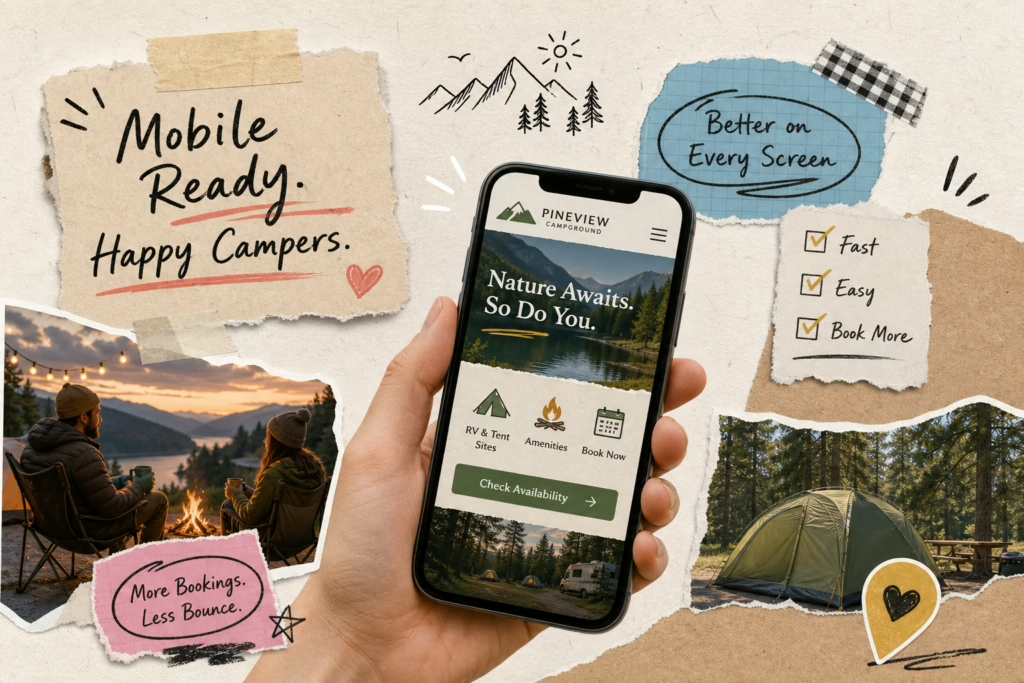
The highest-impact fixes on a non-responsive campground site reduce friction at the exact moment a guest decides to book. Start with a fully responsive layout that reflows cleanly for one-handed use on a small screen. Add a sticky “Check Availability” button that stays visible as a visitor scrolls, so they never have to hunt for the next step. Simplify your booking forms to the fewest fields necessary, use large tap targets, and make sure your date picker works with a thumb. Show pricing and availability early in the flow so visitors don’t have to contact you just to get basic information.
Widget integration, payment flow, and page speed wins
On the technical side, make sure your reservation software links directly to the booking page rather than routing visitors through extra navigation steps. Keep the payment flow short, include a clear progress indicator, and avoid unnecessary page loads between the booking confirmation and the payment screen.
For speed: compress every image on your site, remove autoplay video, and audit your plugins for anything loading scripts you don’t need. These changes are consistent with the improvements documented at properties like Oak Creek RV Resort, where checkout engagement reached 4.17% with 62.5% reservation completion, and Circle RV Resort, where reservation completion reached 100% in a reported sample following booking flow changes. These results reflect specific implementations and sample sizes; your outcomes will vary. But the pattern is consistent: mobile optimization fixes show up in completed reservations.
When to stop DIYing and bring in a campground web specialist
Some of these fixes require responsive framework rebuilding, booking widget reconfiguration, or server-side speed optimization that’s outside what most campground owners can handle between check-ins. That’s the problem RV Park and Campground Websites (Built By RVers) was built to solve. The people behind it are actual RVers who understand how campers search, compare, and book, which means they build mobile-friendly campground websites designed around the guest experience from the start. The service includes $0 upfront, full mobile responsiveness, ongoing maintenance, and backend management so owners never have to touch the technical side. If the scope of your mobile problem is bigger than a quick fix, this is a direct path to getting it resolved without adding another job to your plate.
The revenue leak has a calculable cost, and a fix
A campground website that isn’t built for mobile isn’t a cosmetic issue. It’s a revenue leak with a specific, calculable cost that compounds every month. The math is clear, the data is clear, and competitive pressure from campgrounds that have already addressed this is increasing year over year. Every week your site performs poorly on a phone is another week of bookings that went to someone else. (If you’re looking for ideas that actually increase bookings, see Campground Advertising Ideas That Actually Drive Bookings.)
If you’re still asking what happens to campground bookings if your website is not mobile optimized, here’s where to start: pull your mobile analytics this week, check the bounce rate gap, and run the lost revenue estimate with your own numbers. Work through the checklist above in priority order. If what you find is bigger than expected, connect with a specialist who builds exclusively for campground owners and already knows what your guests are looking for when they pull up your site on their phone. Also see How to Get More Campers to Your Campground This Year for next steps on converting traffic into bookings.
Nearly 70% of travelers abandon sites that don’t work on mobile. Now you know what to do about it. See why 70% of guests leave if your website isn’t mobile-friendly for a concise industry-focused summary of the abandonment risk.