Campground website mobile optimization starts with a single uncomfortable statistic: 53% of users abandon a website that takes more than 3 seconds to load. For a campground owner, that’s not a bounce rate problem. That’s empty hookups, lost revenue, and a potential guest who just booked the park down the road.
Here’s the uncomfortable reality: many older campground sites were built for desktop browsers and haven’t been seriously revisited since. Meanwhile, over 60% of travel research and booking now happens on mobile. Your guests are on their phones right now, checking dates, comparing sites, and deciding where to spend their money before they ever crack open a laptop.
Optimizing a campground site for mobile covers a lot more than making the page “fit” a small screen. It’s a set of specific technical and design decisions that directly affect how fast your site loads, how easy it is to navigate, and whether a guest completes a reservation or gives up halfway through. This guide breaks down exactly what those decisions are, what they look like in practice, and what happens to your bookings when you get them right.
At RV Park and Campground Websites (Built By RVers), mobile-first isn’t a feature bolted on after the fact. It’s where every build starts. Here’s why that matters.
What Campground Website Mobile Optimization Actually Covers
“Mobile-friendly” is the kind of phrase that sounds reassuring and means almost nothing. A site can technically display on a phone and still be a disaster to use. True mobile performance for an RV park or campground site comes down to four distinct pillars: page load speed, tap-friendly navigation, readable typography, and a mobile-optimized booking flow. Miss any one of them and you’re losing guests.
Campground sites face a specific challenge that generic mobile-friendly campground templates don’t solve well. They’re image-heavy by nature. Large hero photos, scenic amenity shots, cabin interiors, site maps, visual content is what sells a campground experience. Those same images are also the single biggest threat to mobile load performance. Stack a booking integration on top of that and you have a real technical problem that requires intentional decisions, not just a responsive theme dropped onto a page builder.
Image Optimization for Mobile
Images are where mobile site speed for campgrounds lives or dies. The best campground sites serve images in modern formats like AVIF (preferred) or WebP as a fallback rather than raw JPEGs, resize files to match actual screen dimensions, and lazy-load gallery photos so they only download when the user scrolls near them. The photography still looks sharp. The delivery is just smarter.
Tools like Google PageSpeed Insights, Lighthouse, and WebPageTest make it straightforward to identify which images are killing your load time and exactly how much improvement each fix will buy you. Run a quick audit and the problem images will surface immediately. For practical guidance on compressing and serving images efficiently, see these image compression tips.
Why Mobile Performance Hits Your Reservation Rates Directly
The abandonment stat from the introduction isn’t abstract. Google’s own research found that on 70% of analyzed mobile pages, above-the-fold content took more than 5 seconds to appear. The hospitality industry sits squarely in that problem zone. A single extra second of load time can reduce conversion rates by as much as 7%, and several travel-focused industry analyses have reported figures higher than that, see these mobile page speed industry benchmarks for more context. For a campground with limited seasonal inventory, each abandoned session is a real dollar amount.
The booking conversion impact is direct. But the SEO effect runs parallel to it. Google uses mobile-first indexing, which means it evaluates your site’s mobile experience when determining how to rank you in local search results. Poor Core Web Vitals scores, LCP over 2.5 seconds, CLS over 0.1, INP over 200 milliseconds, can negatively affect your local rankings as a supporting factor, pushing your listing down exactly when high-intent campers are searching. Mobile SEO for campgrounds and mobile UX aren’t separate projects; they’re the same work. If you want step-by-step guidance on how to improve SEO for campgrounds and win more direct bookings, that resource walks through the local strategies that matter most.
What a Poorly Optimized Campground Site Looks Like on a Phone
There’s a version of this you’ve probably experienced as a consumer. You tap a link, watch a half-loaded image crawl down the screen, and close the tab before anything useful appears. On a campground site, that scenario plays out like this: a massive uncompressed hero image loads in chunks from the top down while the user is still trying to find the rates. A hamburger menu hides four layers deep before the booking page appears. A desktop-formatted rate table shrinks to unreadable text that requires pinching and zooming to parse. The “Book Now” button is buried at the bottom of the page, or missing from the mobile layout entirely.
Each one of those friction points has a predictable outcome: the visitor bounces. Not because they weren’t interested, but because the experience told them the park wasn’t worth the effort. Here’s what doesn’t show up in your analytics: a slow, clunky mobile experience signals something beyond UX failure. It signals to potential guests that the park itself might be disorganized or outdated. If the competing campground’s site loads clean and books in three taps, yours doesn’t get a second look, and that guest may not come back even in a future season.
The trust problem compounds quickly. Blurry or oversized images, pop-ups that eat the viewport, sticky headers that crowd out content, and forms with tiny fields create an experience that feels broken. Users don’t give parks the benefit of the doubt when that happens. They leave, and they often leave a mental note not to return.
Campground Website Mobile Optimization: Key Technical Fixes
A properly optimized campground site serves images in modern formats, resizes files to match actual screen dimensions, and lazy-loads gallery photos. With those fixes in place, above-the-fold content can often achieve LCP at or under 2.5 seconds on many mobile connections, though “spotty two-bar cellular at a state park” will always introduce some variability. Proper optimization gets you as close to that target as the network allows.
Tap Targets and Navigation
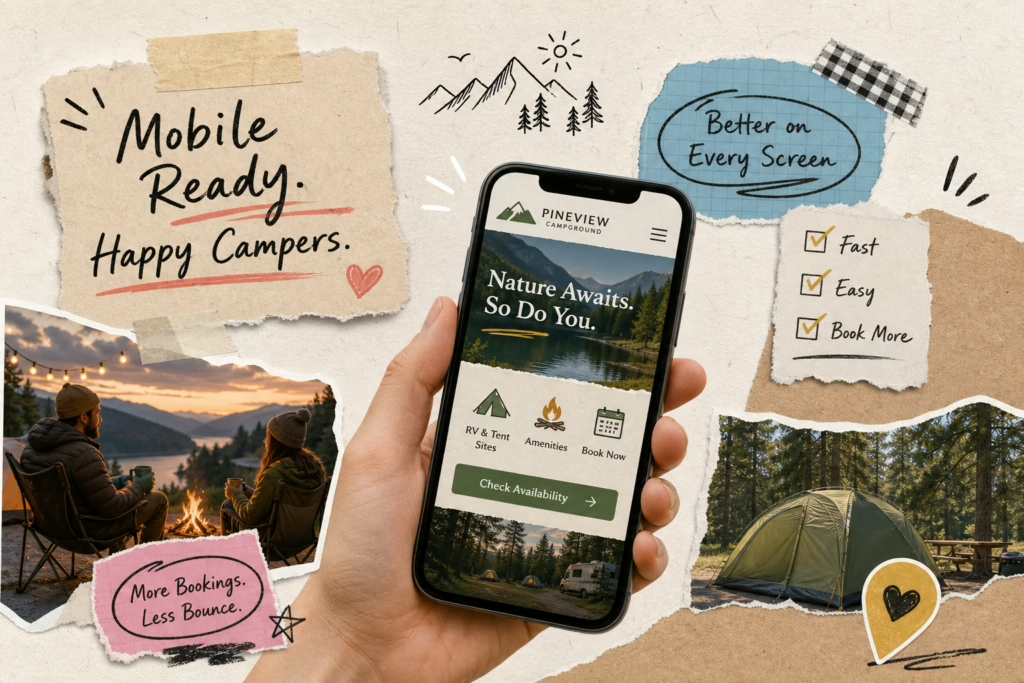
Navigation on a well-built responsive campground site is designed for thumbs, not cursors. Tap targets are large enough to hit without zooming in. The menu is flat and findable. Rates, amenities, and the booking call to action are visible within the first scroll on the homepage. Typography is set at a minimum of 16px, a standard recommended across accessibility and UX guidance, so guests can actually read your content without squinting. A well-executed mobile-first campground website doesn’t feel like a shrunken desktop; it feels like it was designed for a phone, because it was.
If you’re wondering how to make those changes on an existing site or build them into a new one, our guide on how to make an RV park website work on phones covers the practical layout, asset, and interaction choices that matter most.
The performance targets to aim for on mobile are concrete: LCP (Largest Contentful Paint) at or under 2.5 seconds, CLS (Cumulative Layout Shift) at or under 0.1, and INP (Interaction to Next Paint) at or under 200 milliseconds. Those are Google’s “Good” Core Web Vitals thresholds. Improving your scores gives you a competitive advantage in many local markets where a large share of competing campground sites still fall short of these benchmarks.
Quick Mobile Audit Checklist
- Run PageSpeed Insights on your homepage and booking page, note LCP, CLS, and INP scores
- Check image formats: are you serving AVIF or WebP, or still using raw JPEGs?
- Test tap target sizes: can you hit every button and link without zooming?
- Verify font size: is body text at least 16px on mobile?
- Confirm the booking CTA appears above the fold on a 375px screen
- Walk through the full booking flow on a phone and count every tap required
The Mobile Booking Flow: Optimization for Campground Websites
The booking flow is where most campground sites lose guests who were already ready to reserve. The highest-converting mobile checkout sequences follow a specific logic: show availability first, ask for personal details later. Availability search goes first, dates, party size, site type, then site selection with real-time inventory, then a short guest details form, then optional add-ons, then payment, then a clear confirmation screen with the reservation number and arrival instructions.
The critical rule: don’t ask for name and email before showing the guest whether a site is actually available. Asking for personal information before confirming availability creates friction at the exact moment the guest is most uncertain. They haven’t committed to anything yet, and a form field is enough to send them somewhere else.
The guest details form should collect only what’s essential: name, email, phone number, RV length or site type if it affects placement, and any pet or accessibility details. Payment UX should minimize manual card entry wherever possible. And the confirmation screen matters more than most park owners realize. A clear confirmation with the reservation number, check-in details, site type, and arrival instructions, followed immediately by an automated email, reduces both cancellations and support calls.
- Availability search: dates, guest count, site type
- Site selection: real-time inventory, map or list view, hookup and length filters
- Guest details: name, email, phone, RV specs, pets
- Optional add-ons: firewood, late checkout, golf cart rental
- Payment: fast, embedded checkout, minimal manual entry
- Confirmation: reservation number, site details, arrival info, immediate email
How RV Park and Campground Websites (Built By RVers) Builds Mobile-First from Day One
Generic web design agencies build a site and then check whether it works on mobile. RV Park and Campground Websites (Built By RVers) starts from the mobile layout and works outward. Tap-friendly navigation, compressed image delivery, readable typography, and a streamlined booking path are baked into the structure before a single line of copy goes live. The result is a site built to meet Core Web Vitals benchmarks and perform on phones the way campground guests actually use them.
The service runs on a flat monthly fee with no large upfront investment, which means park owners get a professionally built, fully optimized site without a major capital expenditure. Monthly maintenance covers ongoing performance, software updates, security, and mobile responsiveness as devices and screen sizes evolve. Owners never touch the backend. No domain registrars, no SSL renewals, no image compression tools to learn. For a park operator focused on running the property, that’s the practical value: a site that performs correctly on every phone, without requiring ongoing attention from the owner. If you need specialized performance work targeted to hospitality sites, consider a focused hospitality website speed optimization service.
The team at Built By RVers brings firsthand experience as RVers themselves, which shapes how every site is built. They know what campground guests need when they’re pulling up a site on a phone in a parking lot trying to decide where to stay tonight, because they’ve been that guest. That perspective informs the mobile decisions that generic templates simply don’t account for.
Want to know where your current site stands? Request a free mobile audit and see exactly how your site scores against Core Web Vitals benchmarks.
The Bottom Line on Mobile Performance for Your Campground
That 53% abandonment figure is worth sitting with. More than half of your potential guests will leave a slow site before they ever see your rates. That’s not a hypothetical scenario; it’s happening every day on campground websites that haven’t been optimized for the phones their visitors are using. For research on the direct relationship between site speed and bookings, see this analysis of the site speed impact on bookings.
Those four levers, speed, navigation, typography, and booking flow, aren’t abstract goals. Get them right and you’re not just improving a user experience metric. You’re directly increasing reservation rates and strengthening how Google ranks your property in local search results when campers are actively looking for a place to stay.
Whether you audit your current site against the benchmarks in this guide or start fresh with a mobile-first build, the priority is the same. The campers are already on their phones. The question is whether your campground website mobile optimization meets them there, or sends them to a competitor’s that does. For a checklist of the pages and feature set that should be included on a professional site, see our article on what pages and features a professional campground website should include.